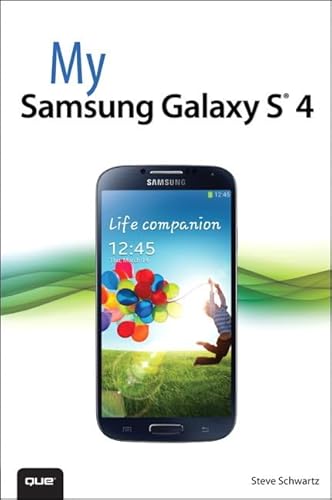
My Samsung Galaxy S 4
Product Description
My Samsung Galaxy S 4
- Used Book in Good Condition
<br> <b>Step-by-step instructions</b> with callouts to Samsung Galaxy S 4 photos that show you exactly what to do.<br> <b>Help</b> when you run into Samsung Galaxy S 4 problems or limitations.<br> <b>Tips and Notes</b> to help you get the most from your Samsung Galaxy S 4.<br> <br>Full-color, step-by-step tasks walk you through getting and keeping your Samsung Galaxy S 4 working just the way you want. Learn how to<br> <ul> <li>Quickly set up your Galaxy S 4 and master its TouchWiz touch interface</li> <li>Customize the Home screen by adding widgets, favorite apps, and personal wallpaper</li> <li>Tweak system settings to make the phone uniquely yours</li> <li>Use social networks, manage contacts, and create appointments</li> <li>Discover the S 4€s best shortcuts for calling, texting, and web browsing</li> <li>Send and receive email from multiple accounts</li> <li>Shoot and share photos and HD video</li> <li>Find great third-party apps€"and make the most of your built-in apps</li> <li>Never get lost with built-in GPS and Google Navigation</li> <li>Transfer photos, songs, and more between your S 4 and computer or between two phones</li> <li>Synchronize important contact, calendar, and other data across multiple accounts</li> <li>Control your TV and DVR with the built-in WatchON app</li> <li>Share music (and more) with nearby Samsung phones using Group Play</li> <li>€œMirror€ your phone€s display on your high-def TV</li> <li>Share Internet access by transforming your S 4 into a mobile hotspot</li> <li>Keep your S 4 safe and secure</li> <li>Fix lockups, memory shortages, and other annoyances</li> </ul>
